Agent
It gets you before it draws
Your agent first tries to understand you: who the page is for, what it must show, the colours you love or avoid. Answer in a click.
Kalka turns what Claude Code, Cursor or Codex writes into real layers on a canvas. Restyle and refine by hand. It never stops being HTML.
macOS, Windows and Linux. Free and open source.
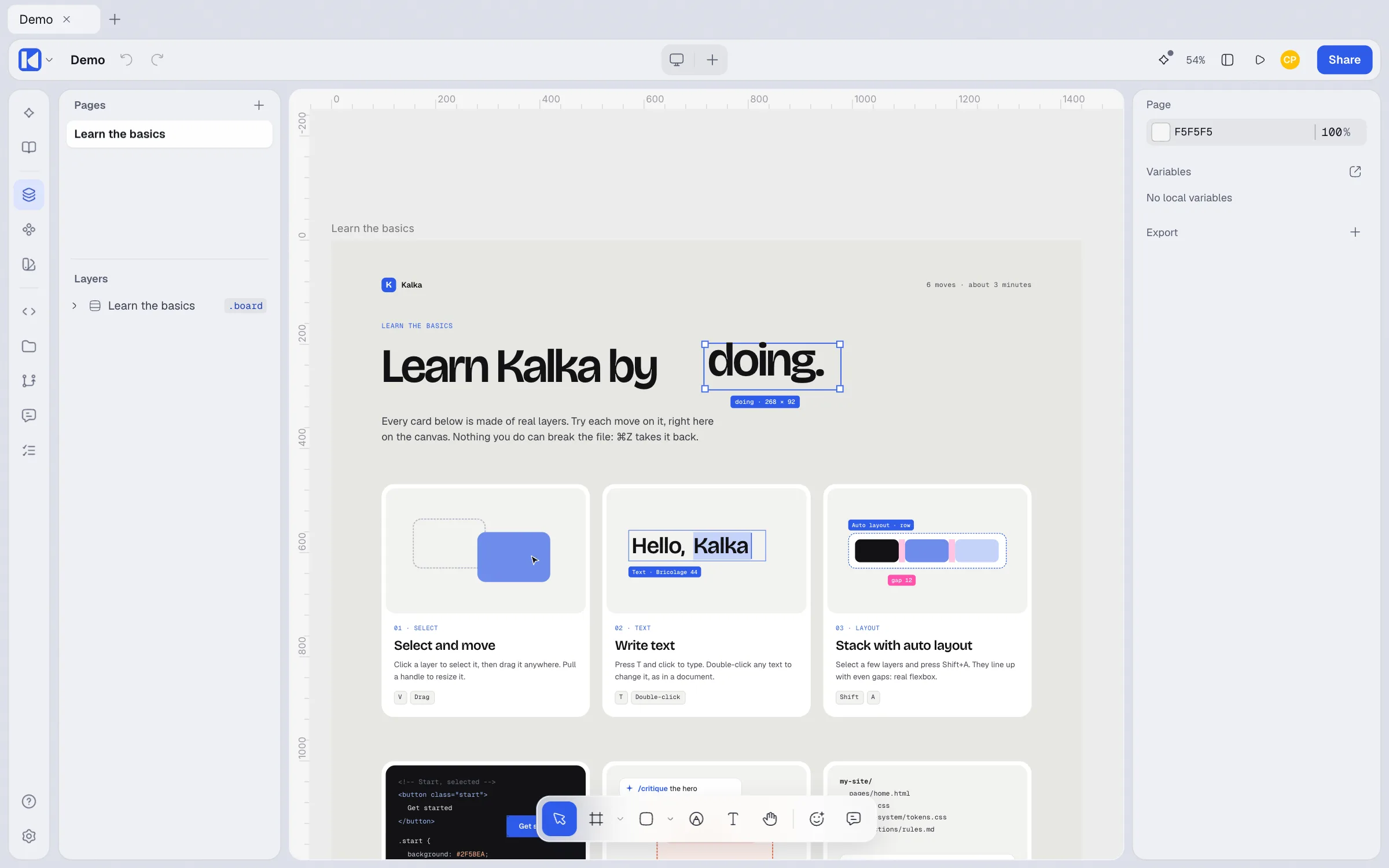
Tell it what you need. Your agent asks what it has to know, then draws, and takes your notes on the way.
Your agent first tries to understand you: who the page is for, what it must show, the colours you love or avoid. Answer in a click.
Write @Fern and a second agent builds beside the first. Each one signs what it holds.
Press C, click the design, mention @Pebble. It answers in the thread.
One click and it reads your layers, draws into your frames and checks its work.
What it draws is real HTML and CSS. Grab any layer and change it by hand, the code follows.
Auto layout is flexbox, with its real names. Change a value, the code follows.
Pick a layer: its HTML and its CSS are right there, ready to ship.
Drop it in. Frames become layers, auto layout becomes flexbox.
Your design lives in a folder on your computer, with every version in Git. No account, no lock-in.
Pages, styles and tokens as plain files. Each version is a Git commit, ready for GitHub or any tool you already use.
The short answers. The rest is on GitHub and in the changelog.
Yes. The desktop app and the local MCP server are free and open source under the MIT license. A hosted version for teams will come later, as an option.
Yes. The interface will feel familiar if you use Figma. The difference is what's underneath: Kalka draws with HTML and CSS instead of vectors, so your design is already a web page.
Yes. Kalka imports Figma files (.fig) and .pen files, so you can bring existing work over and keep designing in real HTML.
Yes. Add tablet and phone breakpoints to an artboard, adjust each one by hand or with your agent, and they export as @media rules. Tailwind variants are planned for V1, see the roadmap.
Any agent that supports MCP. Kalka ships its own MCP server, so your agent can read the canvas, write HTML, update styles and export. In Settings → MCP, one click connects Claude Code, Claude Desktop, Cursor, VS Code, Codex, Windsurf, Gemini CLI, LM Studio or opencode, and you watch the agent's edits appear live on the canvas. Seven design skills come with it, asked for with a slash, such as /direction or /critique, so the agent designs less like an AI.
macOS (Apple Silicon and Intel), Windows and Linux. The beta builds are not signed yet, so your system asks you to confirm the first launch. After that, the app updates itself.
Today. The first public beta is out: download it at the top of this page, or build it from the source on GitHub. Founding members hear about every new version first.
Leave your email and become a founding member.