In Kalka the design is already HTML and CSS, so exporting does not translate anything: it writes out what the canvas shows. Images and PDFs are drawn by the same browser engine as the canvas.
Export settings on a layer
Select a layer, or nothing for the whole page, and click Add export in the Export section of the Design panel. Each export setting has a format and, for images, a scale such as 2x. Add several to export several files at once.
| Format | What you get |
|---|---|
| PNG, JPG, WebP | An image, at the scale you choose |
| SVG | Vector drawing |
| A PDF document | |
| PPTX | A PowerPoint file |
| HTML | A page with its stylesheet and images, as a .zip, or one file with images embedded |
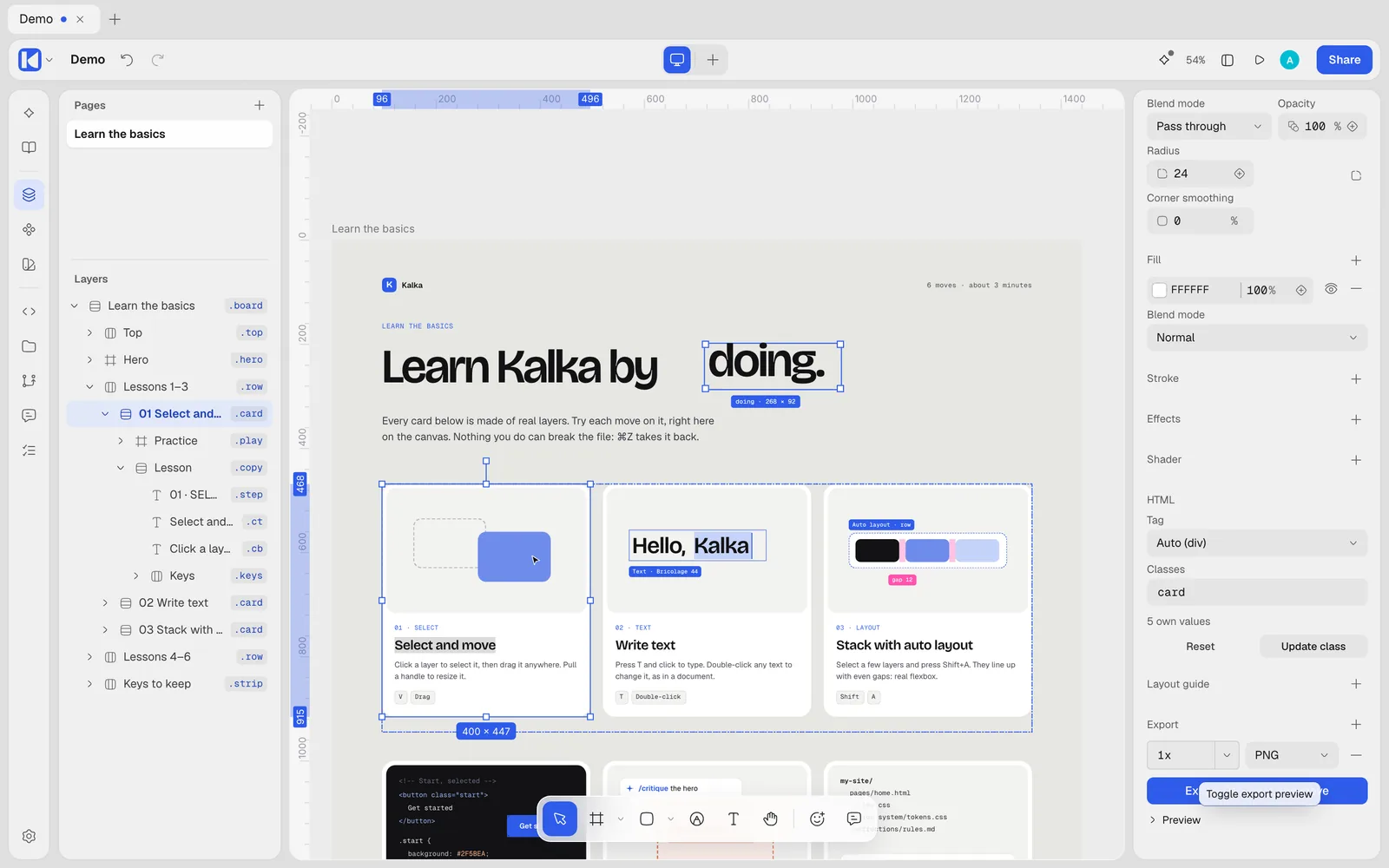
Turn on the preview to see the result before you export. File › Export Selection (Shift Cmd E, Ctrl Shift E) exports the selection directly, and can also save it as a .fig.
HTML and CSS
Exported HTML reads like code a person would write: elements with their real tags, repeated styles grouped into classes, breakpoints as @media rules, variables as CSS custom properties, and images saved as files. Kalka’s own attributes are left out.
If you save your document as a Kalka folder, you may not need to export at all: the folder already holds one HTML page per page, styles.css, your tokens and your images. See Files and versions.
Copy as code
Right-click a layer and open Copy/Paste as:
- Copy as JSX for React;
- Copy as SVG;
- Copy as PNG;
- Copy as text.
The Code panel shows the selection as HTML/CSS, Design JSX or Tailwind JSX, ready to copy. See Canvas and layers.
Design tokens
On the Variables page:
- Export as design tokens saves a
.zipof W3C design tokens, one file per collection mode; - Copy all variables as CSS copies the custom properties;
- Copy all variables as a Tailwind theme copies an
@themeblock for Tailwind CSS v4.
Figma
Save As… with the .fig type writes a Figma file you can open in Figma. Kalka warns you about what Figma cannot show, such as class rules, breakpoints and shaders.
From the command line
The kalka command exports from a file without opening the app. Run it from a clone of the Kalka repository (see MCP and ACP):
# A JPG at 2x
bun kalka export design.fig -f jpg -s 2

# One HTML file, images embedded
bun kalka export design.fig -f html --html standalone --assets inline

# Tailwind JSX
bun kalka export design.fig -f jsx --style tailwind

# Storybook stories for Vue, re-exported on every save
bun kalka export design.fig -f storybook --framework vue -o src/stories --watch

# The document's variables as CSS custom properties
bun kalka tokens design.fig --format css > tokens.css
Leave out the file and kalka export -f png exports the selection in the open app.
Storybook export writes one story file per component, for React, Vue or plain HTML, with controls for each variant.